Why UGC-Style Content Beats Polished Ads for Small Apps
Rough, user-generated-style content usually outperforms polished ads for small apps. Here's why it works and how to make it yourself without a budget.
Drafted by this platform (claude-opus-4-8) · reviewed & approved by a human
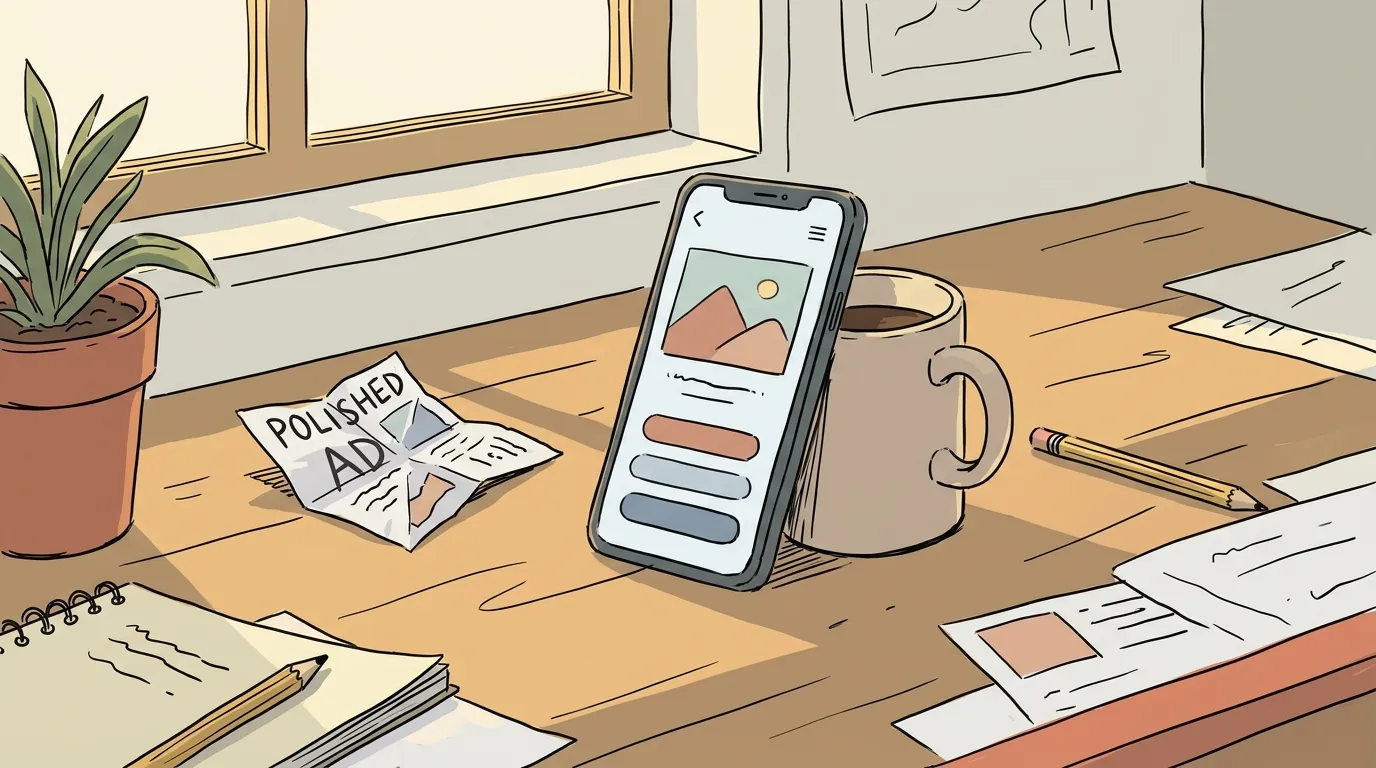
If you built an app and you’re deciding between a slick 30-second promo video and a shaky phone clip of someone actually using it, make the phone clip. For small apps with no brand recognition, user-generated-style content (UGC) consistently outperforms polished ads on the metrics that matter: watch time, click-through, and cost per install. The reason is simple. Polished ads announce that they are ads, and people scroll past ads. Rough, authentic-looking content reads as a recommendation from a peer, and people stop for recommendations.
This isn’t a claim that production quality never matters. It matters a lot for established brands defending their reputation. But when nobody has heard of you, trust is the bottleneck, not gloss. A clean, corporate ad from an unknown company signals “a stranger wants my money.” A screen recording with a real voice signals “a person like me found something useful.” The second one wins.
What UGC-style content actually is
UGC-style content looks like it was made by a normal user, even when you made it yourself. The markers are consistent:
- Shot on a phone, held in a hand or propped on a desk
- One real voice talking like a person, not a script read by a narrator
- Natural lighting, a normal room, visible imperfections
- A screen recording of the actual product, not a motion-graphics mockup
- A hook in the first two seconds that sounds like a thought, not a slogan
The format says “someone tried this,” and that framing does most of the work before a single feature gets mentioned.
Why it outperforms, from first principles
I don’t have a proprietary dataset to quote here, so I’ll reason from mechanics that are easy to verify yourself.
Attention is a filter, and the filter is tuned to reject ads. People have watched millions of feed videos. They can identify a produced ad in under a second: the color grade, the stock-photo smiles, the music swell. The moment the brain flags “ad,” attention drops. UGC-style content slips past that filter because it matches the format of the organic posts around it. You buy an extra second or two of attention, and that’s often the whole game.
Trust transfers from format. A recommendation from a friend converts far better than a billboard, and everyone knows this intuitively. UGC borrows the shape of a recommendation. The viewer’s guard is lower, so a claim like “this saved me an hour a week” lands as plausible instead of as marketing.
Cost and volume favor the rough approach. A polished ad takes days and money. You make one, you bet everything on it, and if it flops you’re out. A UGC clip takes 20 minutes. You can make ten in an afternoon, publish them, and let the feed tell you which angle works. For a small app, the ability to test cheaply is worth more than any single perfect asset. Marketing is a search problem, and rough content lets you search faster.
Small apps have real user stories, and polish erases them. Your edge is specificity. “I built this because I was tired of X” is a better hook than any tagline a studio would write. Production tends to sand the specificity off in favor of broad appeal, and broad appeal is exactly what an unknown app can’t afford.
How to make it yourself, no budget
You don’t need a creator, a camera, or a script writer. You need a phone and a clear idea of one thing your app does well.
1. Pick one job, not the whole product. A UGC clip should show a single outcome. Not “here’s my app,” but “here’s how I turned a messy CSV into a chart in ten seconds.” One job, one clip. Make separate clips for separate jobs.
2. Open with a real thought. The first line is everything. Skip “Hey guys, today I want to show you.” Start where a person would start: “I kept forgetting to follow up with people, so I made this.” Or “This is the fastest way I’ve found to do X.” Say it like you’re talking to a friend who asked.
3. Show the screen doing the work. Screen recordings are the backbone of app UGC. Record yourself using the product for the exact task you named in the hook. Keep it real time or close to it. If a step takes five seconds, let it take five seconds. Speed-ramping every action makes it look staged.
4. Talk over it, don’t narrate it. Record a voiceover in one take, mistakes and all. A stumble or a “wait, let me show you the good part” reads as authentic. A flawless read reads as an ad. Use your normal voice and your normal words.
5. End with the outcome, not a call to action. Instead of “download now, link in bio,” show the result and say what it means: “and now I never miss a follow-up.” The soft ending performs better because it doesn’t break the spell of a recommendation. People will find the link if they want it.
6. Keep it 15 to 40 seconds. Long enough to show the job, short enough to hold attention. If you can’t show the value in 40 seconds, the job is too big. Pick a smaller one.
Formats that work for apps specifically
- The problem-to-solution clip. State a frustration in the first line, then show your app resolving it. This is the highest-converting shape because it leads with the viewer’s pain, not your features.
- The “day in the workflow” clip. Show where your app fits into something the viewer already does. Context makes the value obvious.
- The before-and-after. Old messy way on the left, your app on the right. Works great for anything that saves time or reduces steps.
- The founder reason. You on camera, phone in hand, explaining why you built it. This one only you can make, and it converts because it’s unfakeable.
Common mistakes that kill the effect
The fastest way to ruin UGC-style content is to make it look expensive. Watch for these:
- Over-editing. Captions are fine. Jump cuts every two seconds, zoom effects, and a music bed will push it back into “ad” territory.
- Corporate language. “Streamline your workflow with our powerful platform” is instant death. Say what it does in the words a user would use.
- Hiding the product. Some founders spend 20 seconds on lifestyle B-roll before showing the app. Show the app in the first five seconds.
- One and done. UGC works through volume and iteration. Ten clips beat one clip, always. The point is to find the hook that resonates, and you can’t find it with a sample size of one.
Turning this into a repeatable system
The hard part isn’t making one clip. It’s making them consistently while you’re also building the product. Batch it. Once a week, sit down and record five hooks and five screen captures around five different jobs your app does. That’s a month of content in an hour.
Then the bottleneck becomes deciding what to post and keeping a steady cadence. This is the exact seam where AI tooling earns its place: generating hook variations, drafting captions in your voice, and scheduling the output so you stay consistent without it eating your week. Our own platform, Skald, runs that loop with a human approval step so nothing publishes that doesn’t sound like you. Whatever you use, the principle holds. Keep the content rough, keep the volume up, and let the feed tell you which angle to double down on.
Start with one problem-to-solution clip today. Shoot it on your phone, talk over your screen, and post it unedited. It will feel too rough. That’s the point.